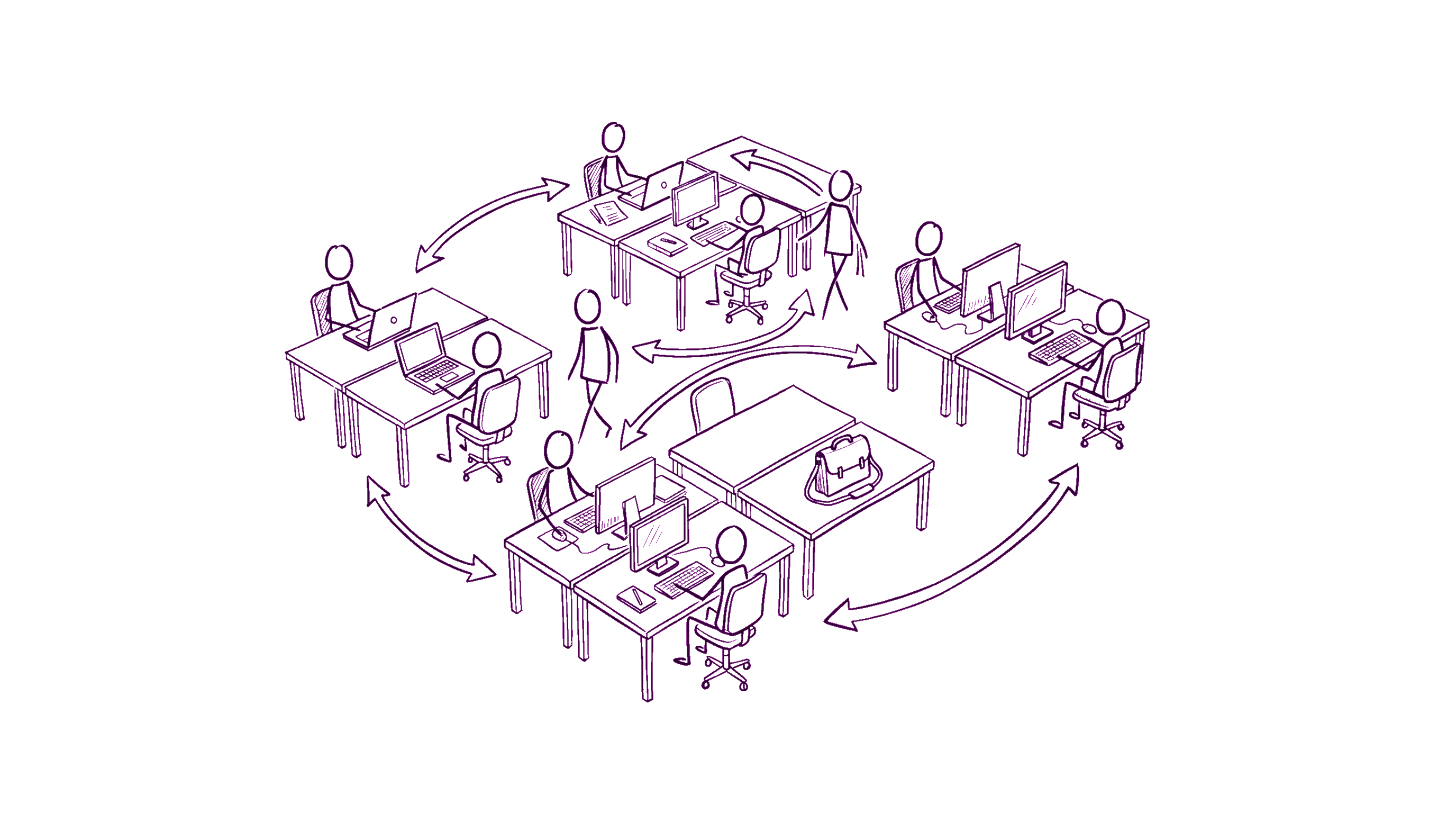
Most hot-desking rollouts fail visibly within a quarter. The team comes back to office, fights over desks for two weeks, retreats to "I always sit in the same seat anyway", and the floor plan you spent $20k redesigning sits half-empty.
The cause is almost never the tooling. It's the rollout sequence. Here's the 6-week plan we've seen work consistently.
Week 0: define the rules BEFORE the rollout
Pick a hot-desking model. There are three real options; pick one. Don't be vague.
Option A: Free seating — first-come-first-served, no bookings, no reservations. Suits offices where occupancy is reliably below 70% any given day.
Option B: Booking-based — every desk requires a reservation made 24-48h in advance. Suits offices where occupancy is reliably 70%+ and people will fight over the same desks otherwise.
Option C: Team neighborhoods — desks are zoned by team (Engineering's section, Sales's section), free-seating within a zone, no cross-zone wandering. Suits the "we want to encourage team cohesion but not assign individual seats" middle ground.
Pick one. Write it down in one paragraph. Get leadership signoff. Don't ship the plan if leadership is still debating.
Week 1: anchor seats for the people who genuinely need them
A pure hot-desking plan rarely survives reality. Some people genuinely need a fixed seat:
- People with disability accommodations.
- People with specialized equipment (multiple monitors, ergonomic setups, hardware engineers with electronics workbenches).
- The receptionist, the office manager, anyone whose role is location-dependent.
Make a list. Convert to assigned seats. Be transparent about the list: "these N seats are assigned, the rest are hot-desk." Pretending the exceptions don't exist creates resentment ("why does Sarah always sit there if it's supposed to be hot-desk?").
Anchor seat ratio: 10-20% of total. If you're at 30%, you don't actually have a hot-desking plan, you have an assigned-seating plan with exceptions.
Week 2: tool selection (this is the easy week)
The tool you need depends on the model you picked in Week 0:
- Free seating: portal with a floor-plan view + "who's in today" tagging. Anyone can see who's around, no booking system needed.
- Booking-based: a desk-booking tool (Robin, Envoy, Skedda). Probably integrates with your portal.
- Team neighborhoods: floor plan with zones + same "who's here" view as free-seating. No booking system needed in most cases.
This is the week founders agonize over but is actually the easiest. The tool isn't the blocker. The rules from Week 0 are the blocker.
If you already have an employee portal, check if the floor-plan feature handles your model. Most do. If not, the dedicated desk-booking tools are commodities — pick any major one based on whether they integrate with your existing IdP and chat platform.
Week 3: dry run with one team
Don't roll out company-wide on day 1. Pick the team that's most amenable (often Engineering — they'll patiently report bugs) and run them through the system for a week.
What you're testing:
- Does the tool's UX make sense at 9am Monday when someone's late?
- Do the floor-plan markers match reality (are seat 4-A and 4-B actually next to each other, or is the diagram off)?
- Are the rules ambiguous in edge cases?
- Does mobile work? People will book from their phone in the cab to the office.
Collect feedback. Adjust. The dry-run team's quirks will tell you what to fix before everyone else hits them.
Week 4: rollout to half the company
After the dry run, expand to half the company. Pick a coherent half (don't pick "Engineering team A but not Engineering team B" — they'll have inconsistent norms). Pick "Engineering + Design" or "everyone on the 4th floor" — a chunk that's internally consistent.
Run for a week. Watch for:
- Occupancy uneven across the floor: people clustering in one corner. If extreme, may need to nudge with "we're going to start putting different teams in different zones" rather than letting it organize itself badly.
- Repeat-desk behavior: people grabbing the same desk every day. Whether this is "fine" or "violates the spirit of hot-desking" depends on your goal. If hot-desking is for space efficiency, fine. If it's for cross-team collisions, you need to break the pattern.
- Complaints by category: are they about the tool, the rules, or specific desks (broken monitor, bad chair)? Each requires different fix.
Week 5: full rollout
Now everyone's in. Important Week 5 work:
- A clear escalation path for tool / rule / desk issues. People need to know who to ping. Office manager is usually the right one.
- One Slack channel (
#office-hotdeskingor similar) for transient issues. Tea kitchen out of milk, projector room not bookable, etc. - A visible "rules summary" at every entrance to the office. Single page, 4-5 bullet points, fridge-magnet style. People forget.
The single biggest Week 5 failure: leadership stops paying attention because "it's rolled out." Actually the first 4 weeks of full rollout are when patterns establish that you'll be living with for years. Stay close.
Week 6: review and adjust
End of week 6 = 5 weeks into living with the system. Now you have data:
- Average daily occupancy by day-of-week (Monday and Thursday vs. Tuesday-Wednesday peak).
- Most-popular and least-popular zones / desks.
- Number of escalations to the office manager (and the categories).
- Anecdotal sentiment from team leads.
Adjustments to consider:
- If Mondays are <40% occupied: consider closing a floor on Mondays, or letting people WFH on Mondays officially. The empty office costs real money.
- If Thursdays are 95%+ occupied: capacity warning. Either start booking-required on Thursdays, or push some teams to alternate Thursday/Friday in-office.
- If specific desks are always vacant: there's a reason. Bad lighting, near a noisy door, monitor broken. Fix the desk-specific issue.
- If certain people are clearly gaming the system (showing up at 7am to grab the same desk): decide if you care. Maybe it's fine. Maybe it isn't. Don't let it fester.
What we'd skip
A few things people add to hot-desking that backfire:
- Per-employee desk preferences: "Igor prefers a window seat." Sounds employee-friendly, creates expectation, leads to "why didn't I get my preferred seat" complaints. Skip.
- Booking-fee / credit systems: charging teams an internal credit per desk-day to "make them feel the cost." Adds bureaucracy without behavior change. Skip.
- Heat-maps of who-sits-near-whom: surveillance-coded. People hate it. Skip.
- AI-suggested desk assignments: "based on your project, sit near Maya today." Doesn't know enough context to be useful. Annoying. Skip.
The role of the floor-plan tool
The floor-plan tool itself is straightforward: it should let people see what desks exist on which floors, which ones are assigned vs free, who's sitting where today, and tap-through to anyone's profile. That's the entire feature spec.
Tools that try to do more (3D walkthroughs, real-time occupancy sensors, environmental data overlays) add cost and complexity without changing rollout success rates. The differentiator between successful and failed rollouts is the rules + sequencing, not the visualization layer.
How DTPulse fits
Our floor-plan feature handles the "free seating with team neighborhoods" model out of the box: each seat can be assigned to an employee (for anchors), or left open with a label (R4-Desk-12). The "who's in today" view comes from the absences module (anyone NOT on vacation today is presumed in-office; we don't track minute-by-minute occupancy).
For Option B (booking-based), we recommend pairing the portal with a dedicated desk-booking tool — we don't try to be a booking system because the workflow has enough depth (recurring bookings, no-show policies, capacity caps, etc.) that a specialist tool does it better.