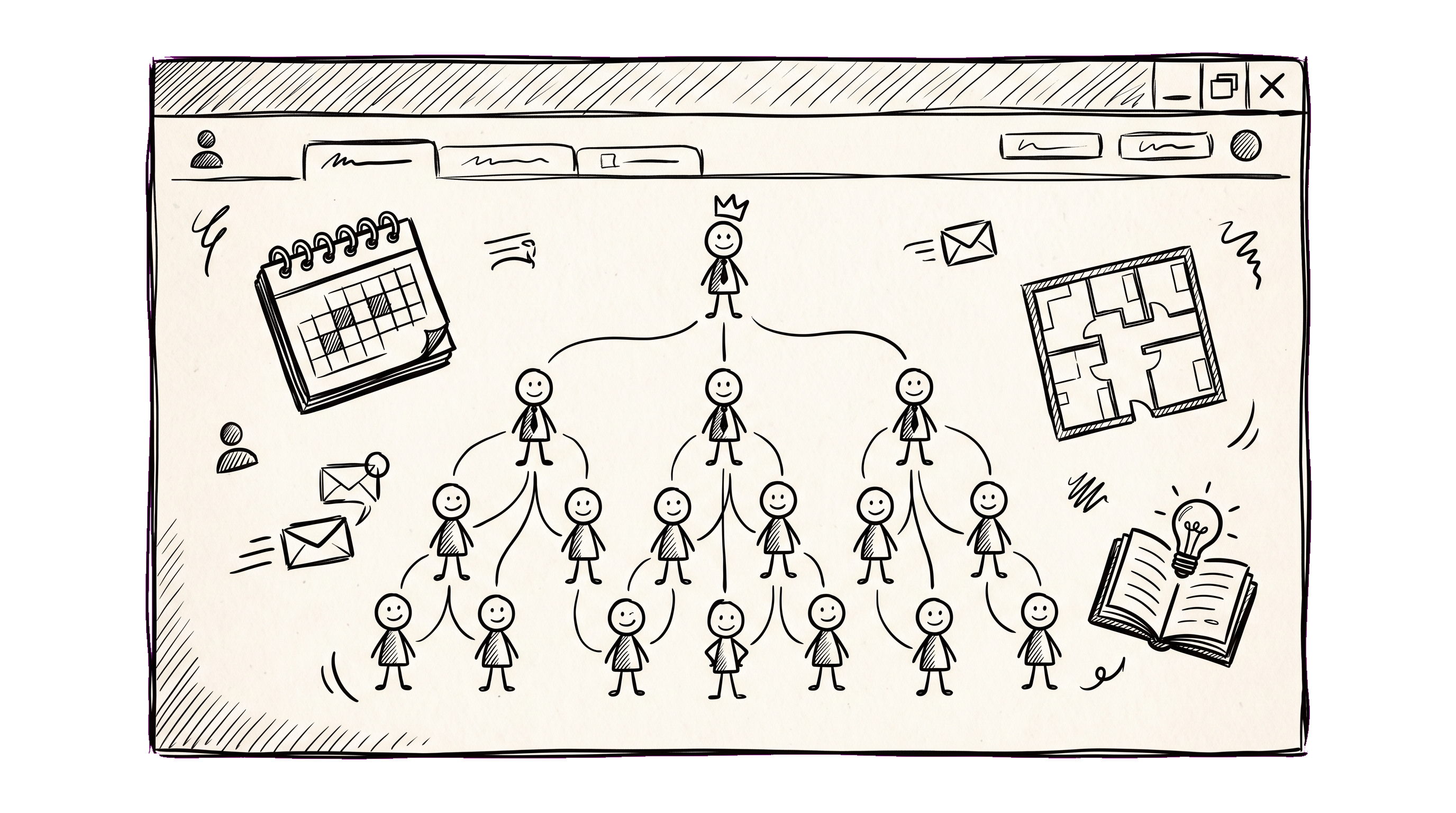
If you Googled "employee portal" you probably got a wall of vendor pages telling you that an employee portal is "your central hub for everything HR" — without explaining what that actually means or whether a company your size needs one. This guide is the opposite: a concrete description of what a portal is, what it replaces, and the headcount where a spreadsheet + Slack + Google Drive stack stops working.
What an employee portal actually is
Strip away the marketing copy and an employee portal is a single web app that any employee can sign into and find the answers to a small set of recurring questions:
- Who works here, and what does each person do?
- Who reports to whom?
- Who is out of the office this week?
- Where is the office (and where is my desk)?
- How do I request time off?
- Where are the company policies, onboarding docs, the wifi password?
- How do I find a colleague in another department?
That's it. Everything else a portal does — performance reviews, surveys, knowledge bases, recognition badges, integrations — is a layer on top of that core. If a tool calls itself an "employee portal" but doesn't answer the seven questions above, it's something else (an HRIS, an LMS, an intranet, or a Notion workspace used in place of a portal).
What it replaces
For a 30-person company that's never had one, the portal replaces:
- A spreadsheet with everyone's name, title, manager, and email — usually three months out of date because nobody owns it.
- A Slack channel called
#whoswhowhere new joiners ask "who do I talk to about expenses" and get answers that won't help the next person who asks the same question. - A Google Doc of vacation requests, approved by reply-all email, with no calendar view.
- A Confluence page called "Org Chart" with a hand-drawn diagram that was true at the company offsite in 2024.
- An out-of-office tracker in someone's head.
- A Notion database with employee profiles that the new HR manager built but only she updates.
Individually each is fine. Collectively they create the symptom of fragmented HR: "I knew Anna was on vacation, but I forgot, and now the deadline is missed."
The headcount threshold
Here's the inflection point we see across hundreds of installations:
| Headcount | What works |
|---|---|
| 1–15 | A single Google Doc + Slack DMs. A portal would be overkill. |
| 15–40 | The "spreadsheets stack" starts hurting. People still know each other's faces, but nobody can remember what Igor's title is. Portal becomes a quality-of-life upgrade, not yet a necessity. |
| 40–150 | Onboarding gets painful, vacation approvals start slipping, internal knowledge fragments. Portal becomes load-bearing — without one, leadership ends up acting as the routing layer. |
| 150+ | A portal isn't sufficient — you also need an HRIS, an ATS, a payroll system. But the portal is still the daily-touchpoint UI on top. |
The middle row is where most teams stay in denial too long. "We're not big enough for HR software" is true at 20 people, an excuse at 60.
What to look for in a portal
Three traits separate a tool that lives in the workflow from one that gets installed and abandoned:
1. The data sources update themselves. The single biggest reason internal directories rot is that nobody owns the updates. A good portal lets employees own their own profile (photo, phone, room) and only escalates the harder fields (title, manager, salary band) to admin. If updating your office address goes through a Jira ticket, the data is dead within a quarter.
2. The org chart isn't a separate tab. People don't search the org chart for fun. They look up colleagues from context — "who manages the design team", "who's the backup for Igor". The portal needs to embed the org structure into every employee page, not lock it behind a dedicated "Organization" menu item nobody clicks.
3. Absences integrate with the calendar. An absence-approval flow that doesn't produce a calendar view is just a worse email thread. Approved time off should show up in the team's shared calendar and in the requester's status indicator (Slack, etc.) without a manual step.
What a portal does NOT solve
To set expectations: an employee portal is not a payroll system, not an applicant tracking system, not a performance-management platform (though it often includes basic 360 reviews), and not your knowledge base for engineering docs. Treating it as the universal HR system inevitably leads to disappointment — and to two more tools next year.
A reasonable architecture for a 50-200 person company looks like:
- Portal (DTPulse, BambooHR, etc.) — directory, org chart, absences, basic reviews, internal KB for HR/admin docs
- Payroll — country-specific provider (Gusto, ADP, etc.)
- ATS — hiring (Greenhouse, Workable, etc.)
- Engineering knowledge — Confluence, Notion, or your team's preferred wiki (the portal's KB is for HR/onboarding, not API docs)
- Comms — Slack, Teams, or Google Chat
The portal is the daily-touchpoint glue. Everything else is workflow-specific software with a deeper feature set than a portal will ever match.
A 30-day evaluation script
If you're investigating a portal, here's a script we recommend to teams piloting:
- Day 0: Import everyone (CSV from your spreadsheet) into the portal. Don't ask employees to "sign up" — they should find their profile already there on first login.
- Days 1–7: Make the portal the only place to update your profile. Lock edits to the old Google Doc.
- Days 7–14: Route the next vacation request through the portal. See what breaks (notifications? approver chain? calendar sync?).
- Days 14–21: Move one HR policy doc from your wiki into the portal's KB. See if anyone notices the new location.
- Day 30: Survey the team. Two questions: "Did you log into the portal this week?" (target: 80%+), "What would you remove?"
If after 30 days fewer than half the team has signed in, the rollout failed regardless of the tool. The portal is a habit, not an app.
What to read next
- Org chart software: what to look for in 2026 — narrower buyer's guide.
- Vacation and absence tracking: from spreadsheet to self-service — deep-dive on the absence workflow.
- Self-hosted HR software: when to go on-prem (and when not to) — for security-sensitive teams.