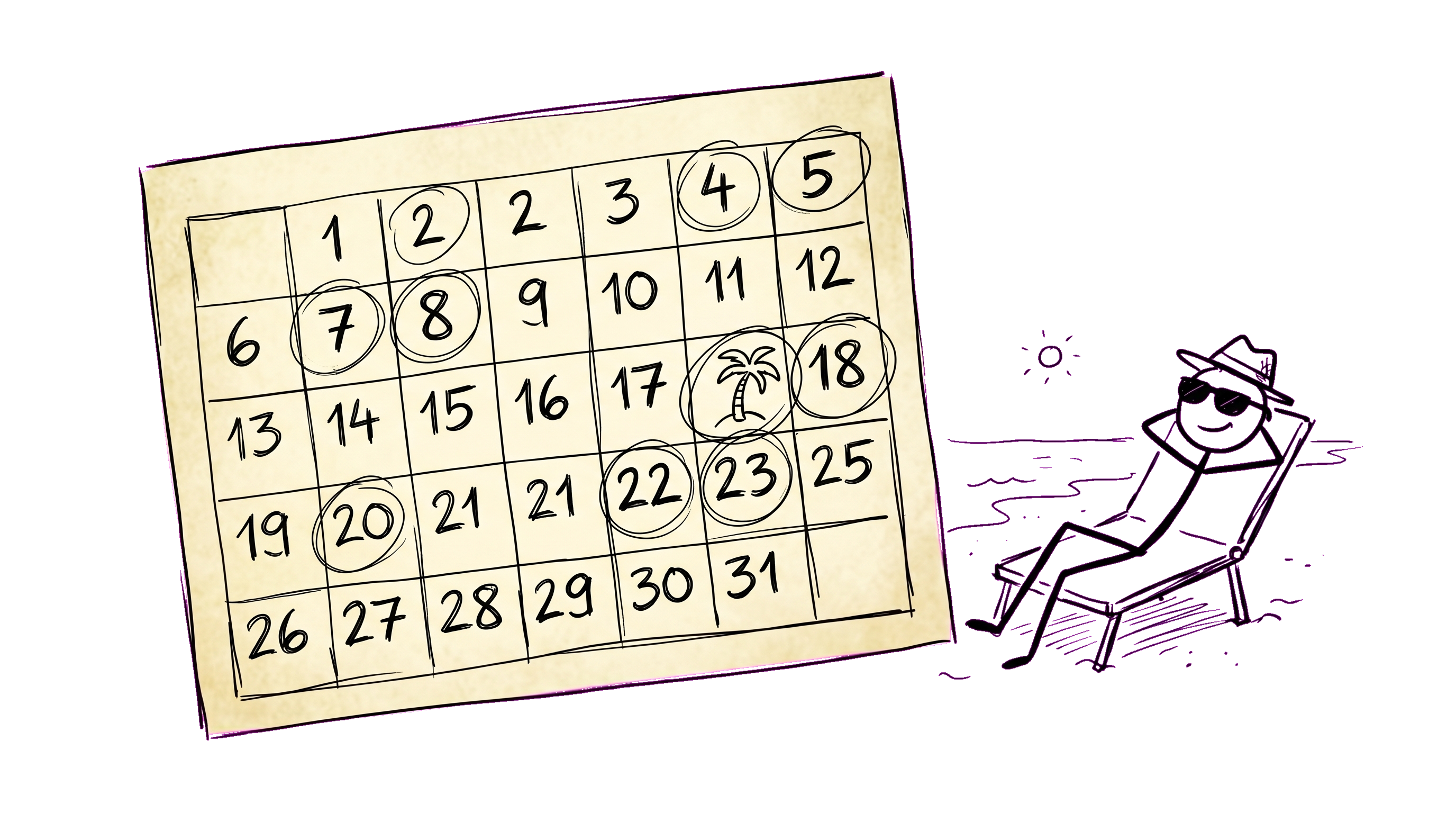
Of all the HR processes, vacation approval is the one most companies fix last and regret first. The "shared Google Calendar plus a Slack DM to your manager" workflow scales to about 25 people, then starts producing the same predictable failures:
- Approvals waiting in an inbox because the manager is themselves on vacation.
- Two people on the same critical project realize on a Friday afternoon they're both out next week.
- Engineering manager doesn't know that ops has a public holiday Friday until people don't show up.
- Year-end: nobody knows how many vacation days each person has left.
None of these are intellectually hard problems. They're all process problems that a 4-hour software setup fixes for years. Here's the upgrade path.
Upgrade 1: a single calendar everyone can see
The minimum viable absence system is a single view that shows everyone's confirmed time off, sortable by team. Not "the HR calendar", which only HR has subscribed to. Not "your manager's calendar of their direct reports". A view anyone can open from any device.
The acceptance test: when a project manager schedules a 2-week sprint, they can check "is anyone critical out during this window" in 10 seconds. If that costs more than 10 seconds, they won't check, and you'll get the "both of us out, surprise" failure.
Upgrade 2: self-service requests instead of email threads
The flow should be: employee opens portal → "Request time off" → picks dates → picks type (vacation, sick, day-off, unpaid) → optional comment → submit. Total interaction: 30 seconds.
What the system does behind that:
- Routes the request to the right approver(s) based on department + manager chain.
- Sends a Slack DM or email to each approver with one-click Approve / Reject buttons.
- If approved: writes to the shared calendar, notifies the requester, optionally sets the requester's Slack status.
- If rejected: sends rejection back to requester with the reason.
The 30-second number is the bar. Anything more and people will go back to "DM my manager directly".
Upgrade 3: multi-approver chains for cross-team work
The default approver chain in most tools is "the requester's direct manager". This breaks the moment anyone matrix-reports or works cross-functionally.
The right model: an absence request can have multiple required approvers. Examples:
- An engineer reporting to an EM but staffed on a project: approver chain is (EM, project lead).
- A junior designer with a design-team lead: approver chain is (line manager, design lead).
- An executive: approver chain is (CEO) plus a notify-only to (board chair, EA).
When you have multi-approver chains, the rejection logic also matters: any rejection rejects the whole request, all approvers see the rejection reason. All approvals must arrive before the request is considered approved. Most tools botch this — they default to "first approval wins" which means the project lead's "we can't lose you next week" gets bypassed by the line manager who approved before reading the project context.
Upgrade 4: public holidays as first-class data
Approvers and requesters both need to know which days are non-working days for the person they're scheduling around. In a single-country company this is trivial; in a distributed company it's the #1 source of "wait, you weren't going to be working anyway?" friction.
The system should:
- Store public holidays per country, region, or office (US federal holidays + state-specific; Russian Federation calendar with regional moves; the customer's office-specific moves).
- Show holidays in the same calendar view that shows time-off requests.
- Treat them as non-deductible from vacation days when a vacation request spans them.
The last point is the most operationally important. Without it, a 2-week vacation that includes a public holiday weekend gets billed at 14 days instead of 12, which causes friction every year at every company.
Upgrade 5: balances and accruals that don't require monthly Excel
Vacation policies are country-specific and HR-domain-knowledge-specific, which makes "vacation balance" math harder than it looks. The general shape:
- Each employee has a vacation entitlement per year (typically 20–28 days).
- Days accrue monthly (1.67/month for 20 days/year, etc.) or upfront-by-anniversary.
- Used days deduct on the date the absence starts (not when approved).
- Carryover rules per country (use it or lose it; up to N days; pay out at termination).
- Sick days, day-offs, business trips usually don't deduct from vacation balance.
A reasonable portal tracks this automatically. The acceptance test: at any moment, every employee can see their current balance, how many days they've used this year, how many are scheduled, and how many they have left. HR's annual end-of-year reconciliation should be looking at a dashboard, not running Excel.
What we'd defer
Two features that look great in demos but rarely earn their complexity in the first year:
- Approval delegation when an approver is themselves on vacation. Sounds essential; in practice, most teams handle this with a "if I'm out, ping my backup" Slack norm. Building a delegation chain into the tool creates more edge cases than it solves. Skip for year 1.
- Probationary period rules that block vacation requests in the first 3 months. These vary so much by jurisdiction and tenant policy that hard-coding them creates more support tickets than they save approvers. Better as a soft warning ("you've been here less than 90 days — check with HR before requesting") than a hard block.
The 4-hour rollout
If you're moving from a spreadsheet, the actual rollout is shorter than people expect:
- Hour 1: import employees + departments into the portal (CSV).
- Hour 2: configure approver chains (most are just "direct manager"; the cross-team exceptions take a few minutes each).
- Hour 3: import public holidays (most portals have one-click for major countries).
- Hour 4: import current vacation balances from your spreadsheet, end-of-year style. Now everyone starts the new system with the right balance.
Tell the team: starting Monday, all time-off requests go through the portal; the spreadsheet is read-only. Send one Slack message with the link. After about a week, the old email threads stop.
DTPulse's take
We treat absences as a first-class workflow. Configurable per-tenant absence types (with sensible defaults), multi-approver chains derived from manager + department-head graph, all-rejected-on-any-rejection semantics, public holidays per office, Slack-button approvals, calendar view for the whole tenant, manager view for direct reports. Self-service balance tracking with country-aware accrual.
The 4-hour rollout target is realistic — most pilots we run hit it.